🚀 AI Interior Rendering
AI Interior Rendering for Designers, Studios, and Creative Concepts
Create photorealistic interior renders from sketches, screenshots, room concepts, and design references. Kanvas Projekt helps interior designers, architects, property developers, and creative studios visualize spaces faster with AI.
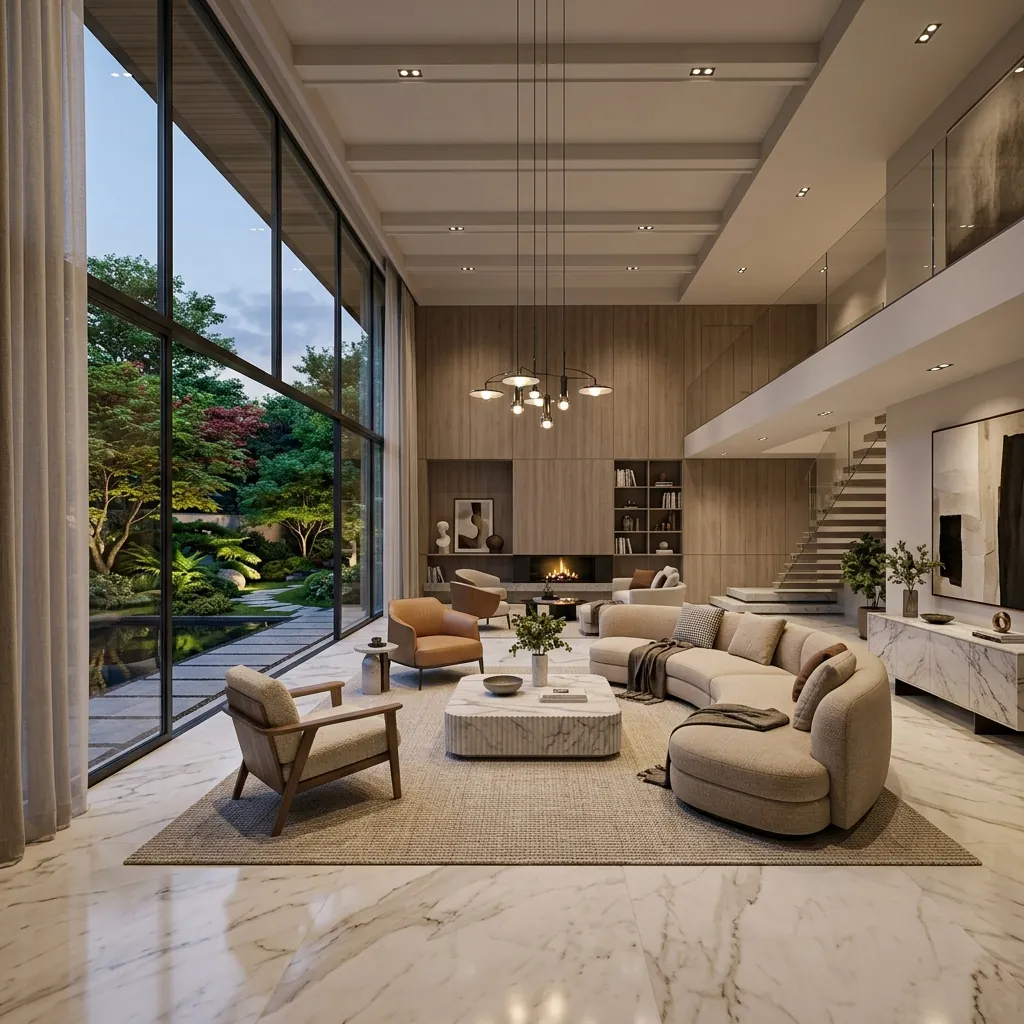
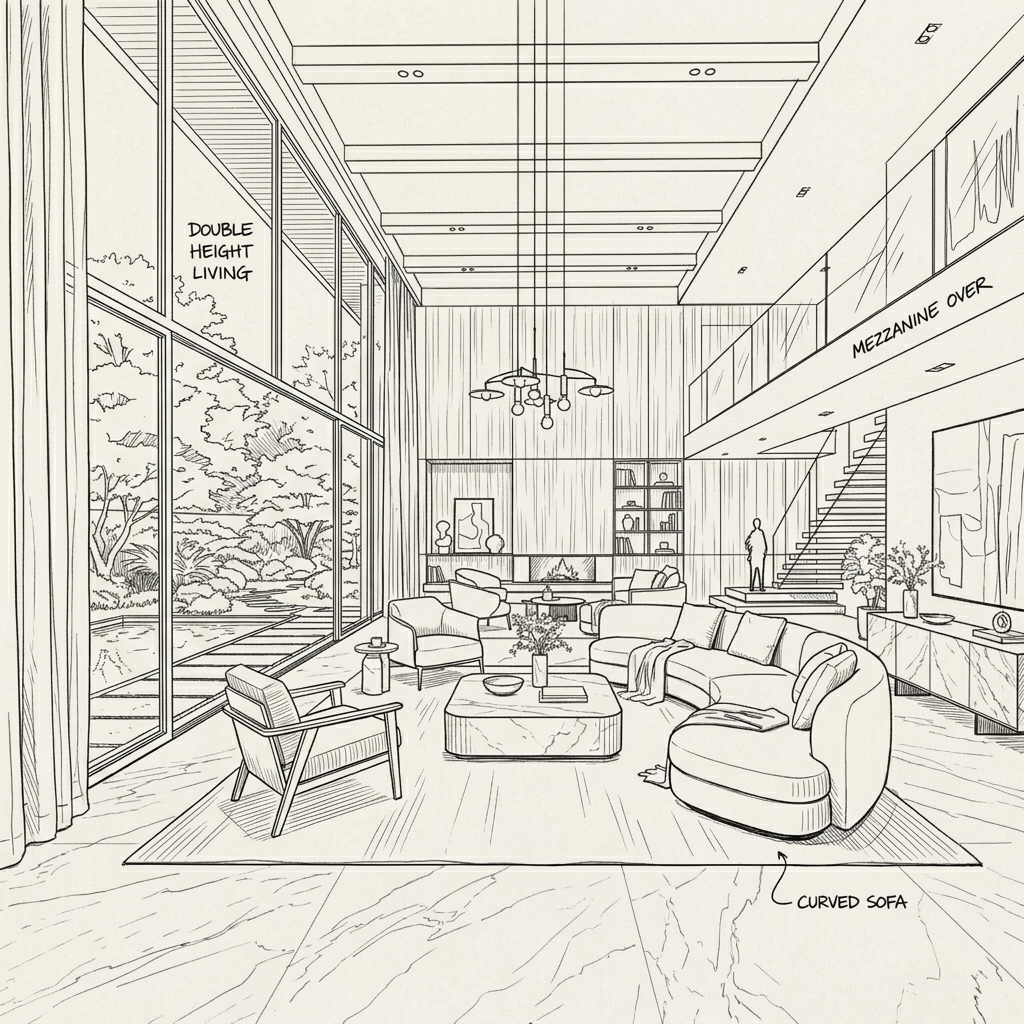
Interior Visualization Takes Time. AI Makes Exploration Faster.
Interior rendering often requires complex material setup, calculating global illumination lighting, finding the right 3D furniture models, and enduring multiple revisions. Kanvas Projekt helps speed up early visual exploration and client presentation by automating the heavy rendering process.
Create AI Renders for Every Interior Space
Bedroom
Living room
Kitchen
Bathroom
Office
Cafe
Restaurant
Villa interior
Apartment
Retail space
Hotel room
Commercial lobby
Explore Interior Styles Faster
Modern minimalist
Japandi
Scandinavian
Tropical
Luxury
Industrial
Contemporary
Warm neutral
Natural wood
Bali villa style
How AI Interior Rendering Works
Transform any room quickly.
Upload Input
Upload an interior sketch, screenshot, or room reference image.
Describe Style & Mood
Describe the style, mood, material, and lighting in the text prompt.
Generate Directions
Generate multiple visual directions instantly.
Upscale and Download
Upscale and download the best result for your presentation.
From Interior Concept to Realistic Visualization
Built for Interior Designers and Visual Creators
Faster concept presentation
Multiple mood variations
Material and lighting exploration
Useful for client revisions
No heavy rendering setup
Great for early design stage
Helps create portfolio visuals
Supports residential and commercial
Frequently Asked Questions
What is AI interior rendering?
It is an automated tool that turns sketches or basic 3D room geometries into fully lit and textured photorealistic imagery.
Can I turn a room sketch into a realistic render?
Yes, upload your hand-drawn layout and the AI will bring it to life.
Can I create different interior styles?
Yes, style prompts help you experiment effortlessly.
Can I use it for client presentation?
Certainly. High-resolution downloads ensure your concepts look incredibly professional.
Does it work for commercial interiors?
Yes, retail shops, offices, and restaurant interiors are fully supported.
Can I generate bedroom, kitchen, or living room renders?
Yes, any specific room type works perfectly.
Can I upscale the final image?
Yes, upscale tools are available to enhance pixel clarity.
Is Kanvas Projekt suitable for interior designers?
It's built with the interior design workflow in mind to save you hours of 3D modeling.